Quick answer
An AI receptionist can help plumbing businesses capture emergency and after-hours calls, but only if the workflow is specific enough for plumbing. A generic answering script is not enough. The system needs to ask the right questions, identify urgency, and pass clean notes to the office or dispatcher.
Why plumbers feel this pain first
Plumbing calls are often urgent. A homeowner with a leak, clogged drain, broken water heater, or sewer backup may call several companies in a row. If your business misses the first call or responds too slowly, the job may be gone before anyone checks voicemail.
What the AI receptionist should ask
- What is the issue: leak, clog, water heater, sewer, fixture, or other job?
- Is water actively leaking or causing damage?
- Is this an emergency, same-day request, or future appointment?
- What is the property address and best callback number?
- Is the caller an existing customer?
How it should connect to your software
The AI receptionist should not live in isolation. It should hand off notes to your booking workflow, CRM, field service software, or office task list. If your business uses Housecall Pro, Jobber, or another platform, decide whether the AI output becomes a lead, job request, calendar hold, or follow-up task.
When it is worth it
It is worth testing when your team misses calls during jobs, after hours, lunch breaks, weekends, or seasonal peaks. It is also useful when your office spends too much time collecting the same basic details before deciding whether a call is urgent.
What to avoid
A plumbing AI receptionist should not promise exact pricing, diagnose complex issues, or schedule emergency work without clear rules. Keep the first version focused on lead capture, triage, and follow-up. Then improve it once the office trusts the notes.
For broader software options, see AI receptionist tools for contractors. For a custom setup path, use the Free Software Setup Plan form.
Ready to turn the advice into a setup plan?
Head back to the homepage for trade guides and comparisons, or take the quiz to shape a practical software stack for your team.
Need help applying this to your business?
Use the article as a starting point, then share your trade, team size, and current tools so we can help shape a practical setup path.
Get a Free Software Setup PlanRelated articles
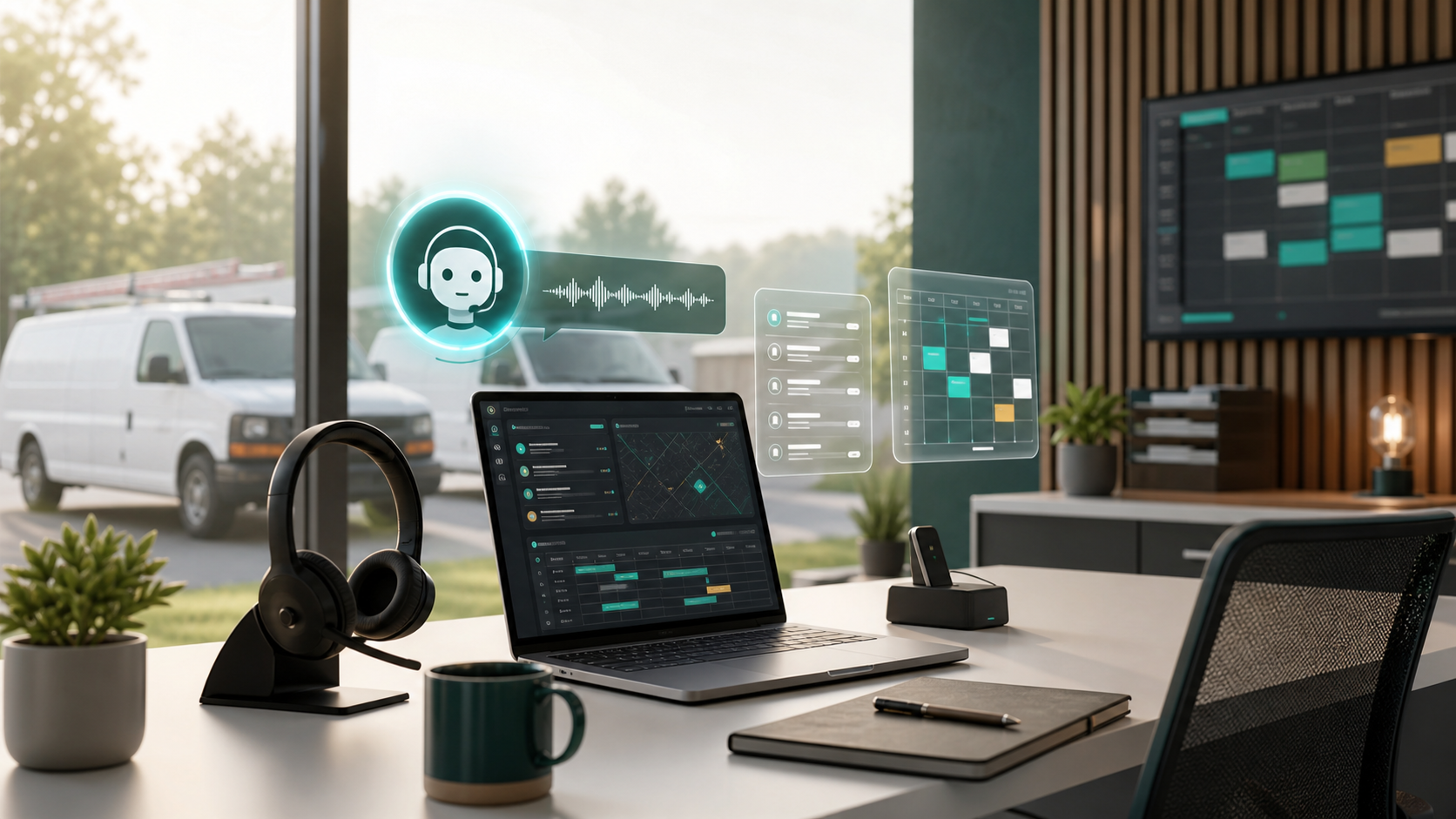
AI Receptionist Software for Contractors: What to Automate First in 2026
AI receptionist tools are moving from generic chatbots into call intake, booking, and dispatch workflows. Here is what contractors should automate first, what to keep human, and how to choose software that fits the field.
Best Software for a 10 Person Home Service Team
A practical buying guide for 10 person home service teams choosing scheduling, dispatch, QuickBooks, booking, SMS, and customer follow-up software.
AI Receptionist for Contractors
A practical guide to AI receptionist tools for contractors that want to stop missing calls, capture leads after hours, and hand off jobs cleanly.