
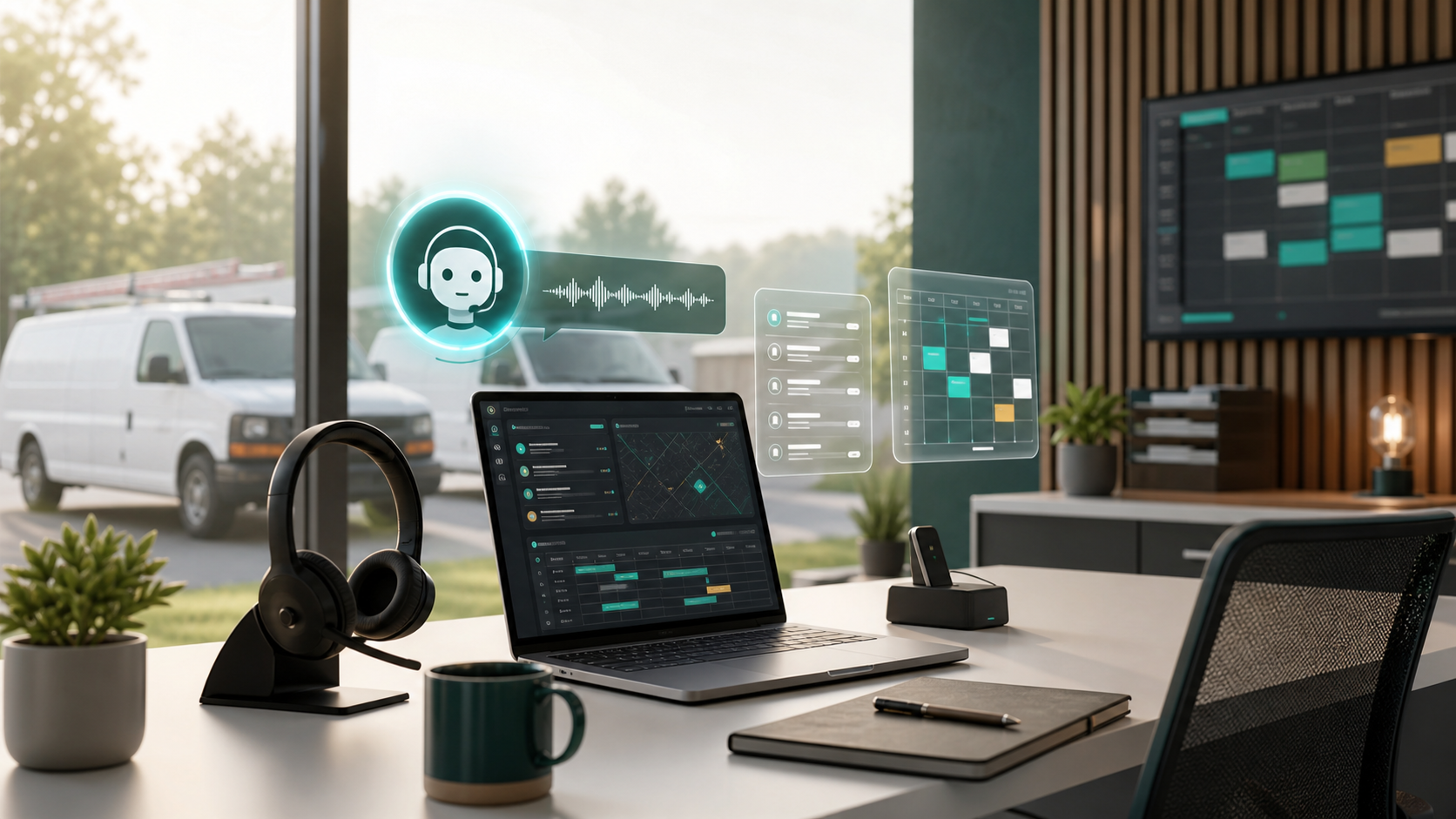
AI receptionist software is quickly becoming one of the most practical AI use cases for home service contractors. The reason is simple: most contractors do not lose jobs because they lack another dashboard. They lose jobs because a call is missed, a web lead waits too long, the office forgets a follow-up, or the dispatcher has to retype the same customer details into three systems.
In 2026, the AI trend is moving from generic chatbots toward agent-style customer support. Meta has pushed AI business agents into messaging channels such as WhatsApp Business, Salesforce has expanded AI contact center tools, and Google Search is becoming more conversational with AI-powered service discovery. For contractors, the opportunity is not to replace the office team. It is to protect the first five minutes of every lead.
Why AI receptionists matter for contractors now
Contractors operate in a strange middle ground. Customers expect instant responses like they get from large retailers, but many HVAC, plumbing, electrical, roofing, and landscaping companies still run intake through a small office team, a mobile phone, or voicemail after hours.
That gap is where AI receptionists can help. A well-configured system can answer common questions, collect job details, qualify urgency, book simple appointments, and pass a clean summary to a dispatcher. That matters most when your team is already stretched and you cannot simply add another full-time coordinator for every growth phase.
The key is to treat AI reception as part of your field service workflow, not as a standalone novelty. If the tool cannot hand off to scheduling, customer records, estimates, or job notes, it will create another inbox instead of reducing work.
What to automate first
Start with the repetitive intake tasks that are easy to define and costly to delay.
1. Missed-call capture
The first automation target is not a complex voice bot. It is missed-call recovery. When a customer calls after hours or while your office line is busy, the system should capture name, phone number, service address, trade, problem type, urgency, and preferred appointment window. The output should be a usable lead record, not a vague transcript.
2. Web lead follow-up
Many contractors already pay for SEO, local ads, directory listings, or referral traffic. If a form submission sits untouched for hours, that spend leaks. AI can send an immediate response, ask the next qualifying question, and route the lead based on service area, job type, and urgency.
3. Appointment reminders and confirmations
Confirmation messages are low-risk and high-value. Use automation to remind customers, confirm access notes, ask for gate codes or photos, and reduce no-shows. This is usually safer than letting AI quote prices or diagnose technical problems.
4. Dispatch handoff summaries
A useful AI receptionist should create a short handoff: customer issue, equipment or property details, urgency, promised next step, and any photos or notes collected. Your dispatcher should be able to scan it in seconds.
What should stay human
AI should not make every decision. Keep humans in the loop for pricing exceptions, warranty disputes, angry customers, safety-sensitive emergencies, high-ticket estimates, membership cancellations, and anything that requires judgment beyond a clear script.
The best setup is a tiered intake model. AI handles the first response and structured information gathering. A human handles escalation, final scheduling judgment, and customer trust moments. That balance keeps speed without making the company feel robotic.
Buying criteria for AI receptionist software
When you compare tools, do not start with the flashiest demo. Start with operational fit.
Field service integration
Ask whether the AI receptionist can create or update customers, leads, jobs, notes, and appointments inside your field service software. If you use tools such as Jobber, Housecall Pro, ServiceTitan, FieldPulse, Workiz, Service Fusion, or QuickBooks-connected workflows, the integration path matters more than the AI wording.
Channel coverage
Contractors usually need a mix of phone, SMS, website chat, form follow-up, and sometimes Facebook or Google Business Profile messages. Choose the channels your leads actually use. A plumbing company may care more about emergency call capture. A landscaping company may care more about web forms and quote requests.
Control over scripts and service rules
The system should let you define service area rules, business hours, emergency definitions, trade-specific questions, booking windows, and escalation triggers. If every workflow requires vendor support, the tool may become hard to tune.
Transparent handoff and logs
Your team needs to see what the AI said, what the customer answered, and why a lead was routed a certain way. Logs and transcripts are not just nice-to-have. They are how you improve scripts and catch mistakes before they affect revenue.
Pricing model
Some tools charge per seat, some per call, some per conversation, and some bundle AI into a broader field service platform. Estimate cost against the real volume of calls, after-hours leads, and booked jobs. The right question is not whether AI is cheaper than a person. The better question is whether it captures work you currently miss.
Red flags to watch for
Be careful with tools that promise full automation but cannot explain escalation rules, cannot integrate with your calendar, or cannot show call summaries in a format your dispatcher will use. Also be cautious when a demo depends on perfect customer phrasing. Real customers are messy. They interrupt, change their mind, ask for pricing, and describe problems imprecisely.
You should also test edge cases before rollout: duplicate customers, service areas you do not cover, urgent no-heat or no-cooling calls, warranty callbacks, commercial accounts, landlord-tenant situations, and customers who ask for a human immediately.
A practical rollout plan
For most small and mid-sized contractors, a staged rollout works best.
Week 1: Map intake
Write down every path a lead can take: phone call, voicemail, website form, referral, chat, paid ad, repeat customer, and emergency request. Mark where information gets lost today.
Week 2: Choose one low-risk workflow
Start with missed-call text-back, web lead follow-up, or appointment confirmation. Avoid full AI booking until your rules are clear.
Week 3: Connect the handoff
Make sure the AI output lands where your office already works. That could be a field service platform, CRM, shared inbox, dispatch board, or task queue.
Week 4: Review transcripts and tune
Read the first 50 to 100 conversations. Look for confusing questions, unnecessary back-and-forth, wrong routing, and missed escalation opportunities. Improve the script before expanding.
How this changes software selection
AI reception is becoming part of a broader software buying decision. A contractor choosing field service software in 2026 should ask a new question: can this platform support fast, structured customer intake across phone, web, and messaging?
If the answer is yes, AI can reinforce the core workflow. If the answer is no, you may end up with a shiny front-end tool feeding a messy back office.
That is why the best starting point is still your operating model: who answers calls, who books jobs, who approves exceptions, how technicians receive notes, and how invoices get finished. AI works when it strengthens those handoffs.
Next step
If you are comparing tools, start with the best field service management software guide, then review relevant head-to-head pages such as Jobber vs Housecall Pro. If you are not sure which category fits, use the software fit quiz to narrow your shortlist by trade, team size, and workflow.
The right AI receptionist setup should make your office calmer, not more complicated. Automate the first response, capture the right details, and keep humans responsible for the moments where trust and judgment matter most.
Ready to turn the advice into a setup plan?
Head back to the homepage for trade guides and comparisons, or take the quiz to shape a practical software stack for your team.
Need help applying this to your business?
Use the article as a starting point, then share your trade, team size, and current tools so we can help shape a practical setup path.
Get a Free Software Setup PlanRelated articles
Field Service Software Pricing: 2026 Complete Cost Guide (37 Tools Ranked)
The only independent pricing guide covering 37 field service tools. See real monthly costs, hidden fees, and contract terms that vendors don't publish on their pricing pages.
How to Connect QuickBooks to Field Service Software
A practical guide for contractors who need field service software, invoices, payments, booking, and customer records to work cleanly with QuickBooks.
Best Software for a 10 Person Home Service Team
A practical buying guide for 10 person home service teams choosing scheduling, dispatch, QuickBooks, booking, SMS, and customer follow-up software.