
Quick answer
An AI receptionist makes sense for contractors when missed calls are turning into lost jobs. The goal is not to replace your office team. The goal is to capture calls after hours, collect the right job details, route urgent requests, and make sure the next follow-up step is not forgotten.
If you are comparing tools now, start with our AI receptionist tools for contractors guide, then map how calls should connect to your booking, CRM, QuickBooks, and SMS workflow.
Who should consider it
AI receptionists are most useful for contractors who receive calls during jobs, evenings, weekends, or busy seasons. HVAC, plumbing, roofing, pest control, cleaning, and restoration teams often lose leads because the first response is too slow.
What the setup should capture
- Customer name, phone, address, and preferred appointment window.
- Trade-specific issue details, urgency, and photos if the workflow supports them.
- Whether the caller is a new lead, existing customer, warranty issue, or emergency.
- Where the lead should go next: office queue, booking form, technician dispatch, or SMS follow-up.
What to connect first
The highest-value setup usually connects call capture to your website form, field service software, calendar, SMS follow-up, and customer records. If you already use Jobber, Housecall Pro, Workiz, or another platform, check whether the handoff can create a clean task or lead record instead of another inbox to manage.
What to avoid
Do not buy an AI receptionist just because it sounds modern. If callers get a vague script, your team receives messy notes, or urgent calls are not routed properly, the tool can create more admin work. A good setup should be boringly clear: capture, qualify, route, and follow up.
When a setup plan makes sense
If you need missed-call capture, booking, QuickBooks, SMS, reviews, and customer follow-up to work together, treat the receptionist as one part of your software stack. A small integration plan can show what to connect first and what to leave manual.
Need help mapping it? Use the Free Software Setup Plan form and describe your call volume, trade, team size, and current software.
Ready to turn the advice into a setup plan?
Head back to the homepage for trade guides and comparisons, or take the quiz to shape a practical software stack for your team.
Need help applying this to your business?
Use the article as a starting point, then share your trade, team size, and current tools so we can help shape a practical setup path.
Get a Free Software Setup PlanRelated articles
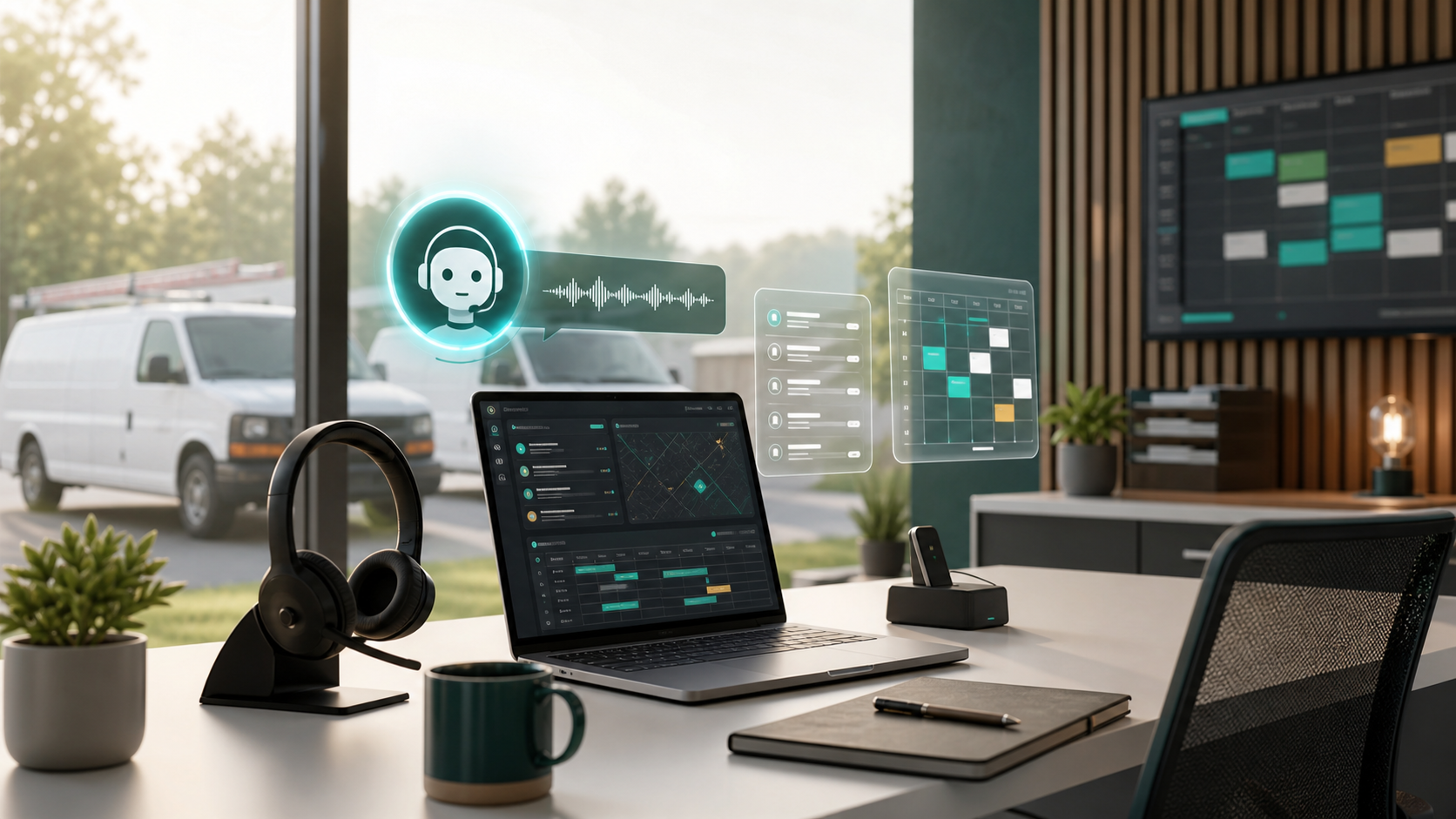
AI Receptionist Software for Contractors: What to Automate First in 2026
AI receptionist tools are moving from generic chatbots into call intake, booking, and dispatch workflows. Here is what contractors should automate first, what to keep human, and how to choose software that fits the field.
Field Service Software Pricing: 2026 Complete Cost Guide (37 Tools Ranked)
The only independent pricing guide covering 37 field service tools. See real monthly costs, hidden fees, and contract terms that vendors don't publish on their pricing pages.
How to Connect QuickBooks to Field Service Software
A practical guide for contractors who need field service software, invoices, payments, booking, and customer records to work cleanly with QuickBooks.