
Quick Answer
Most small home service teams should not choose field service software by feature count alone. If your office uses QuickBooks, the real question is how customer records, invoices, payments, deposits, taxes, and job updates move between systems without double entry.
For many 10-30 person contractor teams, the safest path is to pick a core field service platform first, confirm the QuickBooks workflow, then add online booking, SMS follow-up, payments, or AI receptionist only where the handoff is clear.
Who This Is For
This guide is for HVAC, plumbing, electrical, cleaning, roofing, landscaping, pool service, pest control, appliance repair, and handyman teams that already rely on QuickBooks but are outgrowing spreadsheets, Google Calendar, phone notes, or disconnected job tools.
Typical signs you need to map the integration before switching software include invoices being retyped, payments not matching jobs, customer names duplicated across tools, office staff cleaning up records every week, and technicians using text messages instead of one shared job history.
Recommended Setup
A practical software stack usually has one core field service system for jobs, scheduling, quotes, and invoices. QuickBooks should remain the accounting source of truth. Payments, booking forms, SMS reminders, and AI receptionist tools should feed the workflow without creating duplicate customer or invoice records.
For a small contractor team, the stack often looks like this: field service software for daily operations, QuickBooks for accounting, Stripe or the platform payment tool for collection, website booking for new requests, and SMS or email follow-up for estimates, reminders, and reviews.
What To Check Before You Switch
Before buying or replacing software, ask how customers sync, how invoices are created, how payments are reconciled, whether deposits and partial payments are supported, and whether edits in one system update the other system cleanly.
Also check user limits, setup fees, export options, mobile app adoption, and whether the office team can fix mistakes without calling support. A cheap monthly plan can become expensive if the QuickBooks handoff creates extra admin work.
When An Integration Plan Makes Sense
An integration plan makes sense when you need QuickBooks, online booking, SMS, payments, customer follow-up, and possibly AI receptionist to work together. It also makes sense if your current software is close to working but one or two messy handoffs are slowing the team down.
Custom software is not always the right first move. Most teams should buy proven SaaS where the workflow is common. But when your team has special intake forms, unusual dispatch rules, multiple locations, or reporting that cannot be handled cleanly, a lightweight custom workflow or integration layer may be more practical than forcing everything into one platform.
What To Avoid
Do not switch platforms only because one product advertises QuickBooks integration. Integration can mean a simple export, a limited sync, or a workflow that requires careful setup. Confirm the actual fields, timing, and direction of the data flow.
Also avoid adding AI receptionist, booking forms, SMS, and payment tools before deciding who owns follow-up. Automation helps only when the office knows what happens after a call, form, quote, invoice, or missed message.
Next Step
If you are not sure whether to switch software or connect your current tools, start with a setup plan. Share your trade, team size, current software, QuickBooks workflow, and biggest admin problem. We can help you decide what to buy, what to connect, and what should stay simple.
Ready to turn the advice into a setup plan?
Head back to the homepage for trade guides and comparisons, or take the quiz to shape a practical software stack for your team.
Need help applying this to your business?
Use the article as a starting point, then share your trade, team size, and current tools so we can help shape a practical setup path.
Get a Free Software Setup PlanRelated articles
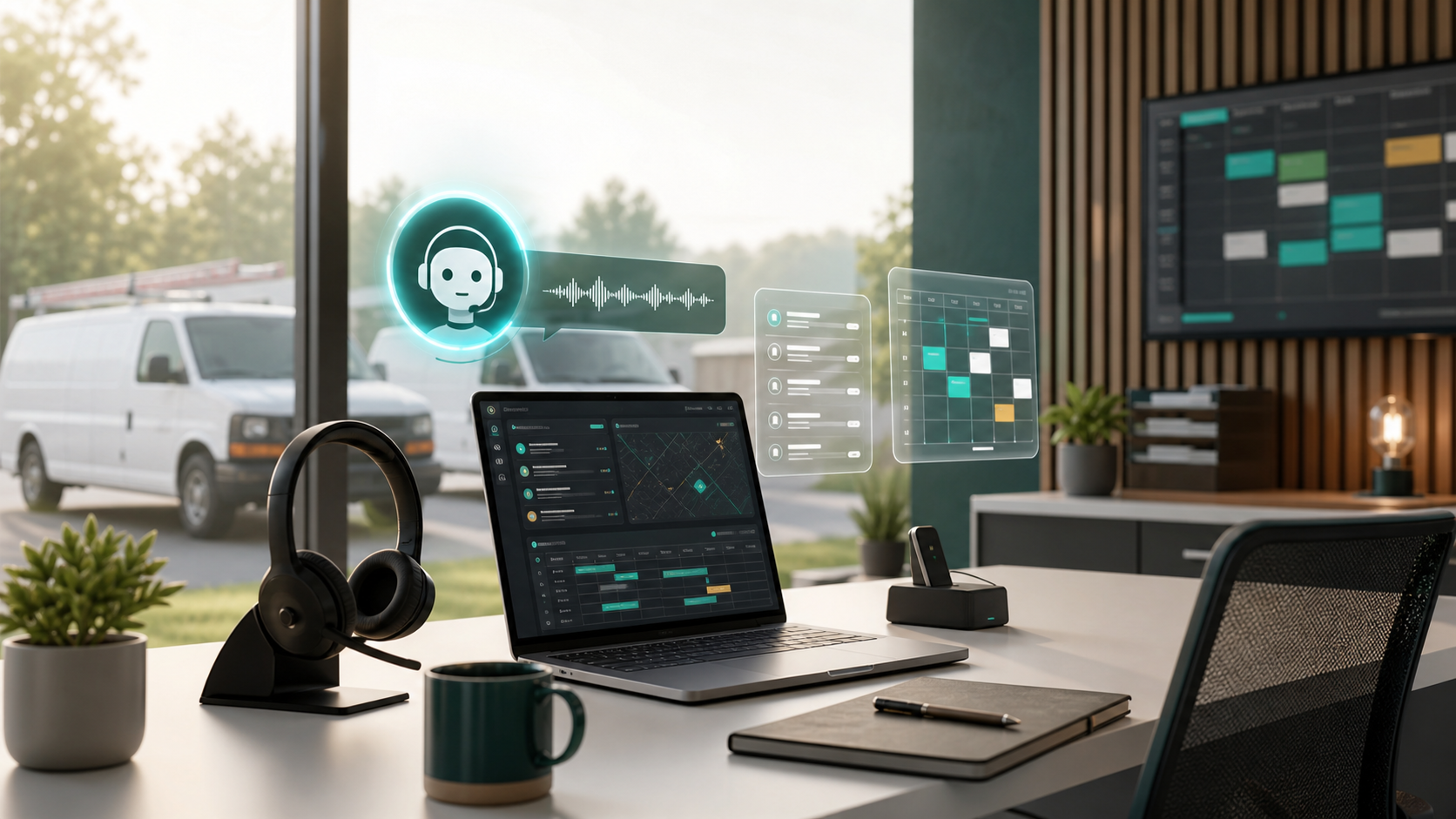
AI Receptionist Software for Contractors: What to Automate First in 2026
AI receptionist tools are moving from generic chatbots into call intake, booking, and dispatch workflows. Here is what contractors should automate first, what to keep human, and how to choose software that fits the field.
Field Service Software Pricing: 2026 Complete Cost Guide (37 Tools Ranked)
The only independent pricing guide covering 37 field service tools. See real monthly costs, hidden fees, and contract terms that vendors don't publish on their pricing pages.
Best Software for a 10 Person Home Service Team
A practical buying guide for 10 person home service teams choosing scheduling, dispatch, QuickBooks, booking, SMS, and customer follow-up software.