
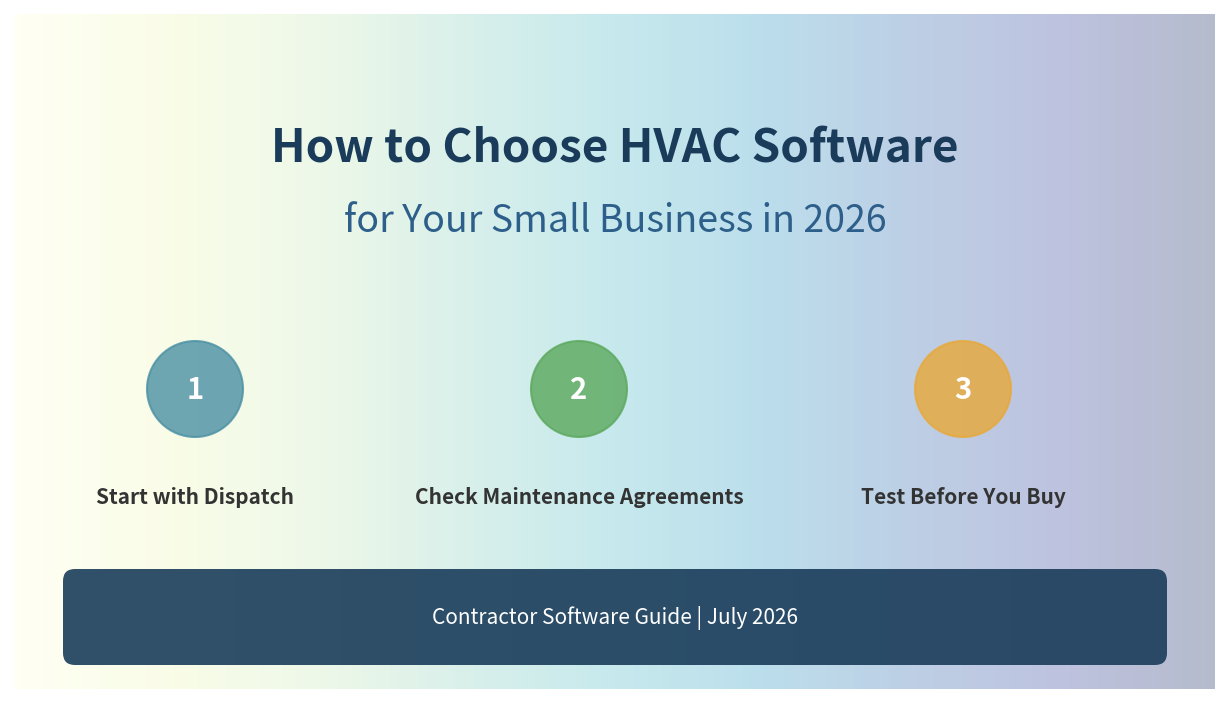
Start with Your Dispatch Workflow, Not the Feature List
The HVAC software market is crowded. Jobber, ServiceTitan, Housecall Pro, FieldEdge, FieldPulse—each promises to "run your entire business." But the tool that wins on a spreadsheet comparison is often the one your technicians stop using after week three.
Start with a single question: What happens when an emergency AC call comes in at 11 AM on a 95-degree August day?
The right software should answer that in under 30 seconds: which technician is closest, who has the right EPA 608 certification, and whether they have the R-410A refrigerant on the truck. If your current tool (or whiteboard) cannot do that, everything else is secondary.
Non-Negotiable Features for HVAC
Not all field service software is built for HVAC. Generic tools treat a plumbing leak and a compressor replacement as the same job type. HVAC has specific demands:
- Maintenance agreement tracking. Spring and fall tune-ups are recurring revenue. The software should auto-schedule these, send reminders, and flag renewals before they lapse.
- Flat-rate pricebook. Customers do not want hourly estimates. HVAC contractors need built-in pricebooks (or tight integration with tools like Profit Rhino) so techs can quote replacement costs in the field.
- EPA/certification alerts. Sending a tech without proper refrigerant certification to a job is a liability. The dispatch board should hard-block or warn on certification mismatches.
- Equipment history. A homeowner calls about a unit you installed three years ago. You should know the model, serial, warranty status, and every service visit in under 10 seconds.
Segment by Team Size and Trade Mix
There is no single "best" HVAC software. The right choice depends on your crew size and whether you do residential, commercial, or both.
Solo Operator or 2-Person Crew
Your priority is speed and simplicity. You need to schedule, invoice, and get paid on the same day. You do not need enterprise dispatch boards or pricebook management.
Good fits: Jobber Core ($49/mo) or Housecall Pro Basic ($59/mo). Both handle mobile invoicing, customer notifications, and basic scheduling. Jobber is simpler; Housecall Pro adds a homeowner-facing app and online booking.
5–15 Tech Residential HVAC Shop
At this size, you have a dedicated dispatcher or office manager. Dispatch density matters—how many jobs you can pack into a route without burning out techs or fuel.
Good fits: Housecall Pro Essentials ($149/mo) or FieldEdge (quote-based, ~$125/tech/mo). FieldEdge is built specifically for HVAC and has the deepest QuickBooks integration. Housecall Pro wins on marketing tools (reviews, postcards) and consumer-facing online booking.
20+ Tech Multi-Trade or Commercial
Residential emergency calls and commercial service agreements require different workflows. You need separate pricebooks, business units, and advanced reporting.
Good fits: ServiceTitan (custom pricing, ~$245+/tech/mo) or BuildOps (commercial-focused, quote-based). ServiceTitan handles multi-trade (HVAC + plumbing + electrical) under one roof with separate reporting. BuildOps is stronger for commercial project costing and multi-day jobs.
Test Before You Commit
Every vendor offers a free trial. Use it for a real week—not a demo with fake data. Run a few actual jobs through the system: dispatch, field updates, invoicing, and payment collection.
Watch for these red flags during the trial:
- Technicians need more than 3 taps to mark a job complete.
- Route optimization is "drive-time aware" but ignores appointment windows or tech skills.
- Invoices sync to QuickBooks, but payment status does not.
- Maintenance agreements are "supported" but require manual entry for each recurring visit.
What This Actually Costs
Published pricing is only half the story. Add implementation, training, data migration, and the productivity dip during rollout.
PlatformMonthly (10 techs)ImplementationYear 1 TotalJobber (Connect)$129/mo baseNone~$3,000–$5,000Housecall Pro (Essentials)$149/mo baseOptional $500–$1,500~$3,600–$6,000FieldEdge~$825/mo (reported)$800–$2,200~$12,000–$15,000ServiceTitan$2,450+/mo$5,000–$15,000~$50,000–$70,000For most small HVAC shops under $2M in revenue, the gap between Jobber and ServiceTitan is not a feature gap—it is an operational complexity gap. You are not "outgrowing" Jobber until you have dedicated dispatchers, CSRs, and a reason to need commission tracking and advanced pricebook management.
Bottom Line
Pick the tool your technicians will actually open on Monday morning. The fanciest dashboard is worthless if your crew is back on the whiteboard by Wednesday. Start with the free tier, run real jobs through it, and upgrade only when the software is clearly the bottleneck in your growth—not the other way around.
Ready to turn the advice into a setup plan?
Head back to the homepage for trade guides and comparisons, or take the quiz to shape a practical software stack for your team.
Need help applying this to your business?
Use the article as a starting point, then share your trade, team size, and current tools so we can help shape a practical setup path.
Get a Free Software Setup PlanRelated articles
Field Service Software Pricing: 2026 Complete Cost Guide (37 Tools Ranked)
The only independent pricing guide covering 37 field service tools. See real monthly costs, hidden fees, and contract terms that vendors don't publish on their pricing pages.
How to Choose HVAC Scheduling Software in 2026
A practical framework for comparing HVAC scheduling tools by dispatch workflow, mobile app quality, pricing tiers, and QuickBooks integration.