
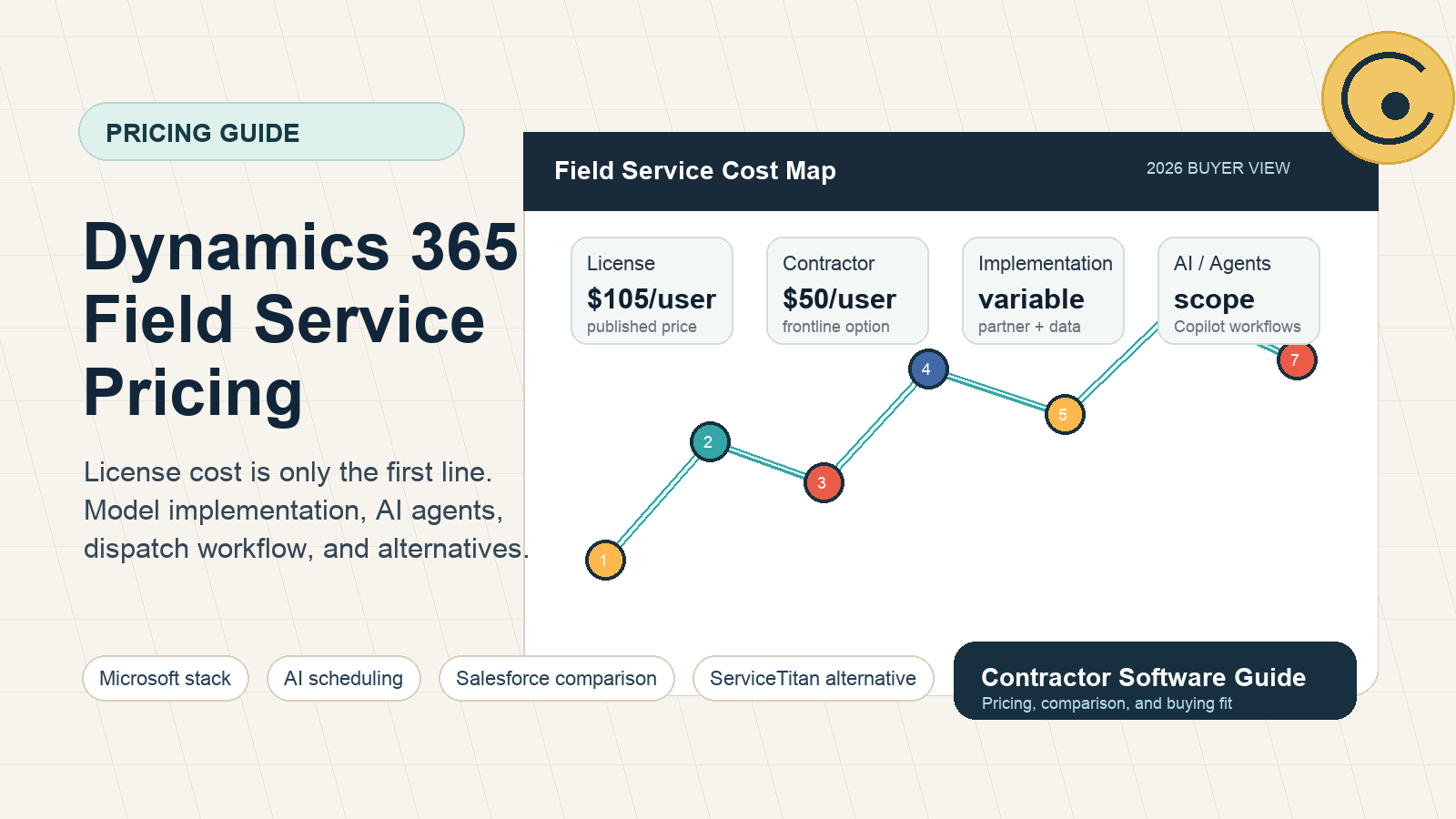
Quick answer: Microsoft currently lists Dynamics 365 Field Service at $105 per user/month, paid yearly, and Dynamics 365 Field Service Contractor at $50 per user/month, paid yearly. Those are the official pricing 2026 starting points, not the full project budget.
Contractors, facilities teams, commercial service companies, and equipment service organizations should evaluate Dynamics 365 Field Service pricing as a full operating-system cost: user licenses, contractor license access, Resource Scheduling Optimization, Copilot credits, implementation partner work, data migration, integrations, and training.
For the shorter software page, use our Dynamics 365 Field Service pricing guide. For the full product profile, start with the Microsoft Dynamics 365 Field Service review.
Official pricing 2026: what Microsoft publishes
Microsoft's public pricing page lists the main Field Service plan at $105 per user/month, paid yearly. It also lists a lower-cost Dynamics 365 Field Service Contractor plan at $50 per user/month, paid yearly, for external frontline technicians. Microsoft also lists Resource Scheduling Optimization at $30 per resource/month, paid yearly.
That gives buyers a useful starting point, but it does not answer the real budget question. A company with office users, internal technicians, external contractors, dispatchers, service managers, and a Microsoft implementation partner will rarely pay only the base subscription line.
How to model Dynamics 365 Field Service license cost
Start by separating users into practical groups instead of assuming every worker needs the same license.
- Full Field Service users: usually dispatchers, admins, managers, and users who need complete field service management access.
- Contractor license users: external frontline technicians who need assigned work, mobile access, and limited contractor workflows.
- Scheduling and optimization users: teams that need Resource Scheduling Optimization should model the additional resource-based cost.
- Copilot and agent usage: Microsoft describes Copilot Credits as required for running prebuilt or custom agents, so AI usage may become a separate budget item.
The mistake is buying software before mapping roles. A 25-person contractor may only have five full office users, fifteen mobile technicians, and several external subcontractors. The wrong license mix can distort the budget before implementation even begins.
Contractor license: when the $50 plan matters
The contractor license is especially relevant for businesses that use subcontractors, seasonal workers, franchise partners, or external field technicians. It can be useful when those users need mobile work execution without full back-office access.
Before relying on the contractor license, ask an implementation partner to confirm the exact workflow: what contractors can see, how jobs are assigned, whether they can update work orders, how scheduling works, and what internal license is still required for dispatch control.
Implementation partner fees are the real swing factor
The largest hidden variable is implementation. Dynamics 365 Field Service can support complex work orders, service territories, skills, assets, inventory, agreements, schedules, customer records, and Microsoft ecosystem integrations. That flexibility is valuable, but it means somebody has to design the process.
Budget conversations should include:
- work order lifecycle design;
- territory, skill, and resource setup;
- mobile technician forms and guided work;
- data migration from spreadsheets, legacy FSM tools, CRM, or ERP;
- Business Central, Finance, Supply Chain, Power Platform, Teams, Outlook, or custom integration work;
- reporting, training, and rollout support.
If a quote ignores implementation partner work, it is not a complete Dynamics 365 Field Service budget.
How Salesforce Field Service changes the comparison
Salesforce Field Service is the closest enterprise CRM alternative. Salesforce currently lists Dispatcher and Technician licenses at $175 user/month, Contractor and Contractor Plus in the $55 to $80 range, Field Service Plus at $230 user/month, and Agentforce 1 Field Service at $650 user/month. Salesforce also notes that Field Service requires at least one Service Cloud user license or a Dispatcher license path.
That means the comparison is not simply Microsoft $105 versus Salesforce $175. It is Microsoft ecosystem versus Salesforce ecosystem, plus implementation scope, AI packaging, existing CRM ownership, and the kind of field operation you are trying to run.
When Dynamics 365 Field Service is worth the cost
Dynamics 365 Field Service is most defensible when the company already wants Microsoft alignment: Microsoft 365, Teams, Outlook, Power Platform, Business Central, Finance, Supply Chain, Dataverse, Azure, or partner-built Microsoft workflows.
It is also a better fit when field service is connected to contracts, assets, maintenance agreements, inventory, finance, equipment history, compliance, or reporting across departments.
When contractors should choose something lighter
Small home service teams often do not need an enterprise Microsoft implementation. If the main need is scheduling, estimates, invoices, payments, reminders, online booking, QuickBooks, SMS, and simple technician updates, compare lighter platforms first.
Common alternatives include Service Fusion, Jobber, Workiz, Housecall Pro, and Yardbook. Larger trades-focused teams should also compare ServiceTitan alternatives.
Budget worksheet before a demo
Before speaking with Microsoft or an implementation partner, write down these inputs:
- How many full office users need complete access?
- How many technicians need mobile access?
- How many external contractors might fit the contractor license?
- Do you need Resource Scheduling Optimization?
- Will Copilot or agent workflows be used in year one?
- Which systems need integration: QuickBooks, Business Central, Finance, inventory, CRM, payroll, BI, or custom portals?
- Who will clean and migrate customer, asset, job, and invoice data?
This worksheet keeps the sales conversation grounded. The goal is not to find the cheapest license; it is to avoid buying the wrong operating model.
FAQ
What is Dynamics 365 Field Service official pricing 2026?
Microsoft lists Dynamics 365 Field Service at $105 per user/month, paid yearly. Microsoft also lists Dynamics 365 Field Service Contractor at $50 per user/month, paid yearly. Prices can vary by region and are subject to change, so confirm on Microsoft's pricing page.
What is the Dynamics 365 Field Service contractor license?
It is a lower-cost license path for external frontline technicians. Buyers should confirm exactly what contractor users can access and what internal dispatcher or full-user licenses are still required.
Do Copilot and agents change the cost?
They can. Microsoft states that Copilot Credits are required to run prebuilt agents and custom agents built in Microsoft Copilot Studio. If AI scheduling, work order summaries, or agents are part of the project, model those costs separately.
Is Dynamics 365 Field Service good for small contractors?
Usually not as a first system. Small contractors often get faster value from lighter tools unless they already have Microsoft infrastructure or unusually complex field operations.
Sources
Ready to turn the advice into a setup plan?
Head back to the homepage for trade guides and comparisons, or take the quiz to shape a practical software stack for your team.
Need help applying this to your business?
Use the article as a starting point, then share your trade, team size, and current tools so we can help shape a practical setup path.
Get a Free Software Setup PlanRelated articles
Field Service Software Pricing: 2026 Complete Cost Guide (37 Tools Ranked)
The only independent pricing guide covering 37 field service tools. See real monthly costs, hidden fees, and contract terms that vendors don't publish on their pricing pages.
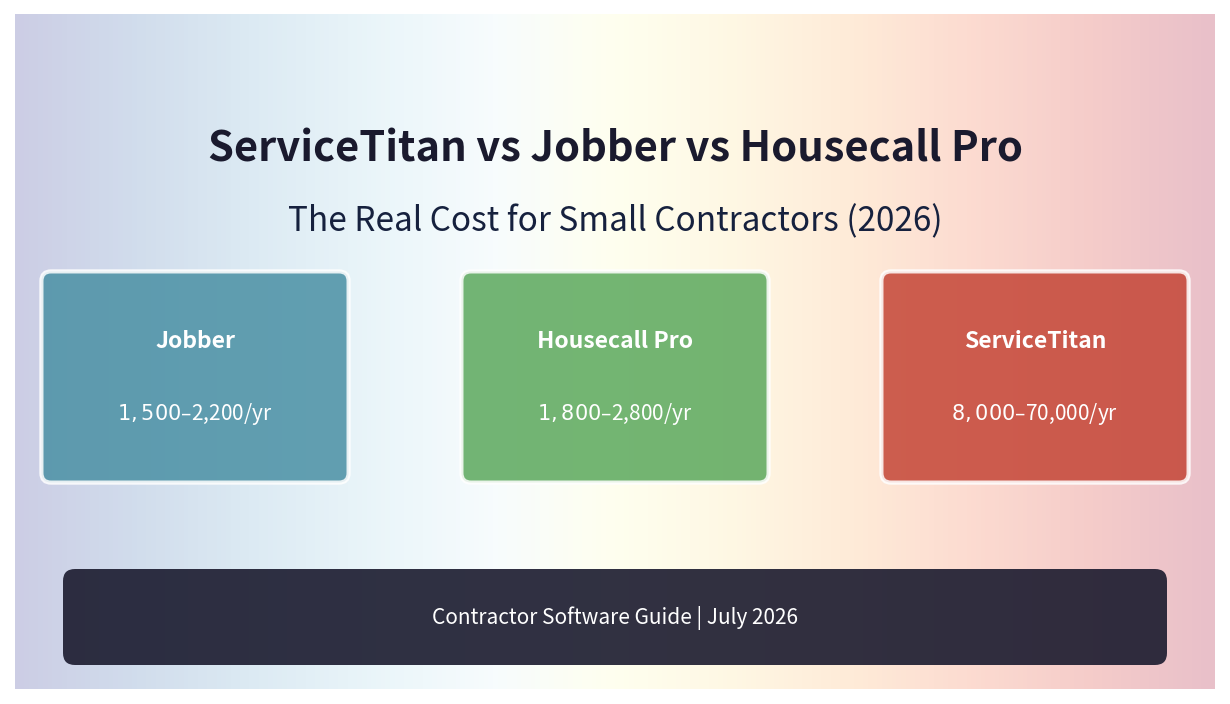
ServiceTitan vs Jobber vs Housecall Pro: The Real Cost for Small Contractors (2026)
We break down the real all-in pricing for ServiceTitan, Jobber, and Housecall Pro—including hidden fees, implementation costs, and contract terms that vendors don't put on the pricing page.